
A working garage door remote makes daily access faster and more convenient, especially when you enter and leave the garage several times each day. When you replace a remote, change garage door openers, or lose an existing connection, you may need to pair the remote with the opener again. Knowing how to set Chamberlain garage door remote controls helps you complete this process without making unnecessary changes to the rest of the garage door system. Most Chamberlain remotes can be programmed through a Learn button on the opener or through a compatible wall control.
Before beginning, identify both the garage door opener and remote model. Chamberlain has produced several generations of openers and remotes, so programming instructions can vary slightly. You should also have a stable ladder available if the Learn button is located on the ceiling-mounted motor unit. Keep people, vehicles, pets, tools, and other objects clear of the garage door because the door may move during testing. Once you know where the programming controls are located, setting the remote usually takes only a few minutes.
How To Set Chamberlain Garage Door Remote Controls
For many Chamberlain systems, programming begins at the garage door opener motor. Locate the Learn button, which is commonly positioned near the antenna wire, wiring terminals, or light cover. Press and immediately release the Learn button. Do not hold it unless you specifically intend to erase previously programmed devices. Once released, the Learn indicator should remain active for a short period. Chamberlain states that many compatible models provide about 30 seconds to complete the next programming step, so keep the remote nearby before pressing the Learn button.
Within the programming window, press and hold the button on the remote that you want to use for the garage door. Release it after the opener lights blink or you hear two clicks. These signals normally indicate that programming was accepted. Press the newly programmed remote button again to test the door. Chamberlain provides official remote programming resources for specific remote models, which can help when your equipment follows a slightly different sequence. Always use the instructions that match your particular opener and remote rather than relying only on appearance.
Find The Chamberlain Learn Button
The Learn button is central to programming most Chamberlain garage door remotes. On many ceiling-mounted units, you will find it on the rear or side of the motor housing. It may sit underneath or beside the light cover. Look near the small antenna wire hanging from the opener because the Learn button is frequently positioned nearby. Depending on the opener generation, the button may be yellow, purple, red, orange, green, or another color. That color can help identify the technology used by the opener and determine which replacement remotes are compatible.
Do not press other adjustment controls while searching for the Learn button. Garage door openers may have separate buttons for travel limits, force settings, lighting, Wi-Fi configuration, and other features. Accidentally changing those settings can create a separate problem unrelated to remote programming. If the opener is installed high above the floor, use a stable ladder rather than standing on boxes, chairs, or other unsuitable objects. Hartville Outdoor Products also provides information about installing a garage door opener, including common opener types, accessories, remotes, keypads, safety equipment, and other components that homeowners may encounter.
Program The Remote With A Wall Control
Some Chamberlain systems allow remote programming through a compatible wall-mounted control. This method can be more convenient because you do not need to reach the motor unit every time you add a remote. The precise button sequence depends on the wall control model. On compatible systems, you may press a Learn button or navigate through a programming menu on the wall panel. Once the system enters programming mode, you press the desired button on the handheld remote until the opener confirms that the new remote has been accepted.
For certain Chamberlain remote and wall control combinations, the wall control Learn button may need to be pressed twice before the remote is activated for programming. The opener may then flash its lights or produce clicks after the remote has successfully connected. Because Chamberlain offers several wall controls, do not assume every panel uses this exact sequence. Check the model number and manufacturer instructions first. Programming from the wall control normally adds the new remote without deleting existing remotes. This makes it useful when another household member needs garage access but all current remotes should remain active.
Make Sure The Remote Is Compatible
A remote cannot be successfully programmed if it does not communicate with the technology used by the garage door opener. Chamberlain has used different radio and security technologies across multiple product generations. A newer remote may support several opener types, while another remote may work only with specific models. Before repeatedly attempting to program a remote, check the model numbers on both devices. Compatibility information is usually printed in the remote instructions, product documentation, or manufacturer’s support materials.
Compatibility matters especially when purchasing replacement or universal remotes. Two remotes can look almost identical while using different communication systems. If an old remote still works, write down its model number before buying a replacement. The Learn button color can also provide useful information when identifying compatible equipment. Avoid choosing a remote based only on the Chamberlain name or the appearance of its buttons. Confirm compatibility first, install a fresh battery, and then perform the correct programming sequence. These simple checks can save considerable time compared with repeatedly resetting the opener while trying to connect equipment that was never designed to communicate with it.
What To Do If A Chamberlain Remote Will Not Program
If programming fails, begin with the remote battery. A weak battery may still illuminate the remote indicator but may not produce a strong enough signal for dependable pairing. Replace the battery with the correct type and make sure it is installed in the proper direction. Then move close to the garage door opener and repeat the programming process. Wait for the Learn indicator to return to its normal state before starting another attempt. Press and release the Learn button again, then activate the desired remote button within the available programming period.
If the remote programs successfully but operates only at very short range, the problem may involve radio interference rather than programming. Chamberlain notes that certain LED bulbs can interfere with garage door opener signals. Temporarily turn off or remove recently installed electronic equipment near the opener and test the remote again. Inspect the hanging antenna wire as well. It should not be damaged or tucked inside the opener housing. If other remotes work normally but one specific remote continues to fail, that remote may have a compatibility problem or an internal fault that requires replacement.
Avoid Accidentally Erasing Existing Remotes
One common mistake is holding the Learn button too long when the goal is simply to add a remote. A quick press generally activates programming mode, while holding the Learn button on many garage door openers can erase stored remote and keypad information. If the memory is cleared, every previously connected remote may stop operating the garage door. This can create unnecessary work because each device must then be added again. Press and immediately release the Learn button when following a standard remote programming procedure unless the instructions for your exact model specifically state otherwise.
Clearing the memory is useful in certain situations. For example, you may want to erase all programmed devices if a remote has been lost, stolen, or left with someone who should no longer have access. It can also be useful after moving into a home when you cannot confirm how many remotes were previously distributed. Once the memory has been erased, only reconnect devices that you recognize and intend to keep. Test each remote after programming it, then check wireless keypads and other accessories so you know exactly which devices can operate your garage door.
Test The Garage Door And Safety Features
After setting the Chamberlain remote, perform several controlled tests before considering the job finished. Stand inside the garage where you can see the complete door and press the programmed button. Allow the door to travel through a full opening and closing cycle. It should move smoothly without binding, excessive vibration, or unusual noises. Test the remote again from your normal driveway position to confirm the operating range is adequate. If the remote works beside the opener but not from outside the garage, investigate signal interference, antenna condition, or battery strength.
You should also inspect the photoelectric safety sensors near the bottom of the garage door tracks. Make sure nothing blocks their path and check that their indicator lights show normal alignment. Do not bypass the sensors simply because the door refuses to close with the remote. The problem may be caused by obstruction, misalignment, wiring, or another safety-related issue. Garage doors are heavy moving systems, so spring, cable, track, or balance problems should be treated separately from remote programming. When mechanical components appear damaged or the door behaves unpredictably, discontinue automatic operation and have the system inspected by a qualified professional.
Keep Your Garage Access Reliable
Knowing how to set Chamberlain garage door remote controls makes it easier to replace a remote, add another driver, or restore access after a device loses its connection. In most cases, the job involves confirming remote compatibility, locating the correct Learn control, entering programming mode, pressing the desired remote button, and testing the garage door afterward. Keeping your opener and remote model numbers recorded somewhere accessible will make future programming much easier. Fresh remote batteries and occasional system checks can also prevent many common access problems.
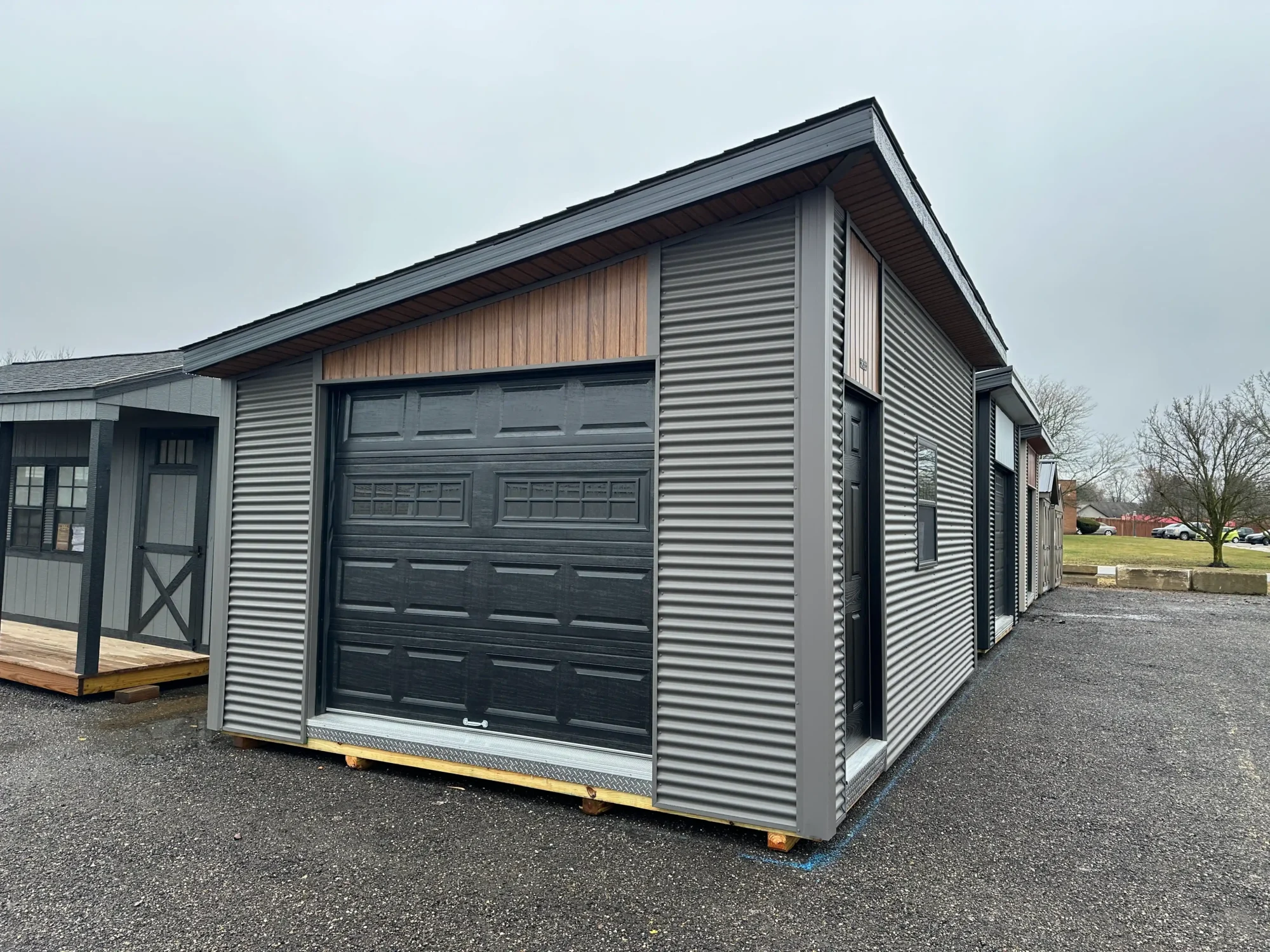
Reliable garage access also depends on having a building that supports the door system properly. Good framing, suitable electrical access, adequate interior clearance, and enough room around the overhead door all contribute to easier operation and maintenance. Homeowners considering additional vehicle or storage space can browse in-stock prefab garages from Hartville Outdoor Products. Available garage styles can provide space for vehicles, equipment, workshops, hobbies, and storage while supporting modern overhead doors and opener systems. Planning these features together creates a garage that remains practical for everyday use long after the remote has been programmed.