
A LiftMaster garage door opener can make everyday access simple, but that convenience depends on properly connected remotes and controls. If you replace a remote, move into a new home, install a different opener, or add another driver to your household, you may need to pair the device with the opener. Knowing how to program Liftmaster garage door opener controls helps you complete the process correctly without accidentally deleting other remotes or changing unrelated settings. Most LiftMaster systems use a Learn button located on the motor unit, although some models also support programming through a wall control or compatible smart features.
Before beginning, identify the model number of your garage door opener and the remote or keypad you want to connect. LiftMaster has produced several generations of equipment, so not every remote works with every opener. The Learn button color can also help determine compatibility. Keep the garage door area clear while programming because the door may move during testing. Have a stable ladder available if you need to reach a ceiling-mounted opener. With the correct equipment and a few careful steps, most remote programming can be completed without changing the mechanical parts of the garage door.
How To Program Liftmaster Garage Door Opener Remotes
Begin by locating the Learn button on the garage door opener. It is commonly found on the back or side of the motor unit, often near the hanging antenna wire or behind a light lens. Press and release the Learn button. Avoid holding it down because holding the button for an extended period can erase previously programmed devices on many models. After you release the button, the opener normally enters programming mode for a limited amount of time. Keep the remote nearby so you can complete the next step before that programming window expires.
Press and hold the button on the remote that you want to use. Depending on the model, the opener may flash its lights or make clicking sounds when the remote has been successfully programmed. Release the remote button and test it while you can clearly see the garage door. For general background on how these systems work, see garage door opener technology on Wikipedia.
Find The Learn Button And Identify Its Color
The Learn button is one of the most important controls when programming a LiftMaster opener. On many units, it is located close to the antenna wire extending from the motor housing. You may need to open or remove the light lens before the button becomes visible. The button may be yellow, purple, red, orange, green, or another color depending on the opener’s age and technology. LiftMaster uses Learn button information as one way to identify compatible remotes and keypads, so noting the color before purchasing replacement equipment can prevent compatibility problems later.
Take care not to confuse the Learn button with travel adjustment or other control buttons located nearby. Modern garage door openers may include controls for opening limits, closing limits, lighting, Wi-Fi connectivity, or force settings. Changing these controls unnecessarily can affect how the door moves. If the opener is mounted high above the floor, position a stable ladder on a level surface and avoid standing on storage containers or furniture. Homeowners interested in understanding the broader components of an automatic garage door system can also review Hartville Outdoor Products’ information about installing a garage door opener before making changes to an existing setup.
Make Sure The Liftmaster Remote Is Compatible
Programming attempts will not succeed when the remote and opener use incompatible technologies. LiftMaster has produced multiple generations of garage door opener systems, so a replacement remote should be selected based on compatibility rather than appearance alone. Two remotes may have similar buttons and cases while using different communication methods. Check the opener model number, remote model number, and Learn button color before attempting repeated programming. If you still have a working original remote, record its model information before purchasing another device.
Compatibility is especially important with universal remotes. A universal model may support several LiftMaster openers, but it may require a different programming sequence than a standard model-specific remote. LiftMaster’s current compatibility tools identify remotes and keypads according to opener brand and Learn button information. The company also states that its current compatibility selector applies to openers manufactured in 1993 or later. If you are working with a much older opener, confirm compatibility directly from the product instructions rather than assuming a new remote will pair successfully. Checking these details first can prevent unnecessary resets and repeated troubleshooting.
Program A Liftmaster Wireless Keypad
A wireless keypad provides convenient garage access without requiring a handheld remote. Programming usually involves selecting a personal identification number and pairing the keypad with the opener through the Learn function. Start with fresh batteries in the keypad. Then locate the Learn button on the motor unit and follow the programming instructions for your keypad model. You may need to press and release the Learn button, enter your chosen PIN on the keypad, and press an Enter or confirmation button within a limited period. The opener lights may flash or another signal may confirm successful programming.
Choose a PIN that household members can remember without making it easy for others to guess. Avoid simple combinations such as repeating numbers or obvious sequences. After pairing the keypad, close the garage door and test the new code from outside while keeping the door in view. If the keypad does not respond, check its batteries and repeat the programming sequence before resetting the entire opener. Wireless keypads are exposed to heat, cold, moisture, and dirt, so battery and connection problems can develop over time. If a keypad is no longer needed, remove it from the opener’s access memory rather than simply leaving an unused code active.
Program Additional Remotes Without Erasing Existing Ones
Most homeowners want to add another remote without affecting devices that are already working. The key is understanding the difference between pressing the Learn button briefly and holding it. A short press normally places the opener in programming mode so a new remote can be added. Holding the button for several seconds may erase stored remote and keypad information on many LiftMaster systems. Unless you intentionally want to remove existing devices, press and release the Learn button rather than continuing to hold it.
Program additional remotes individually and test each one before moving to the next. This approach makes it easier to identify compatibility problems. If the first two remotes work but the third does not, the issue is more likely to involve the third remote than the opener itself. Replace its battery and verify its model information before clearing the opener memory. Keeping a simple record of active remotes can also improve household security. If someone moves away, a contractor finishes a project, or a remote becomes lost, you can determine whether a full memory reset is appropriate instead of wondering how many unknown devices may still operate the garage.
Fix A Liftmaster Opener That Will Not Accept The Remote
If a remote will not program, start with basic checks before assuming there is a problem with the opener. Install a fresh battery in the remote and make sure it is positioned correctly. Move closer to the motor unit and try the programming sequence again. Confirm that you are using the actual Learn button rather than one of the adjustment controls. If another programmed remote works normally, the opener is at least receiving some remote signals, which points more strongly toward a battery or compatibility issue with the new remote.
Signal interference can also affect remote performance. Some electronic equipment and certain lighting products can interfere with garage door opener radio signals. If a newly programmed remote works only when you stand very close to the garage, temporarily switch off recently added electrical devices and test it again. Examine the opener antenna wire as well. It should hang normally from the motor unit and should not be cut or hidden inside the housing. If the wall control operates the door but none of the correctly programmed remotes work, the opener may have an antenna, receiver, or circuit board problem that requires further diagnosis by a garage door professional.
Test The Door And Safety System After Programming
Once programming is complete, test more than the remote button. Stand where you can clearly observe the garage door and operate it through a complete opening and closing cycle. The door should move smoothly without unusual shaking, binding, grinding, or sudden reversal. Test the remote at several reasonable distances, including your normal position in the driveway. A remote that operates beside the motor but fails from outside may have a weak battery, interference problem, damaged antenna, or another radio-related issue rather than an incorrect programming sequence.
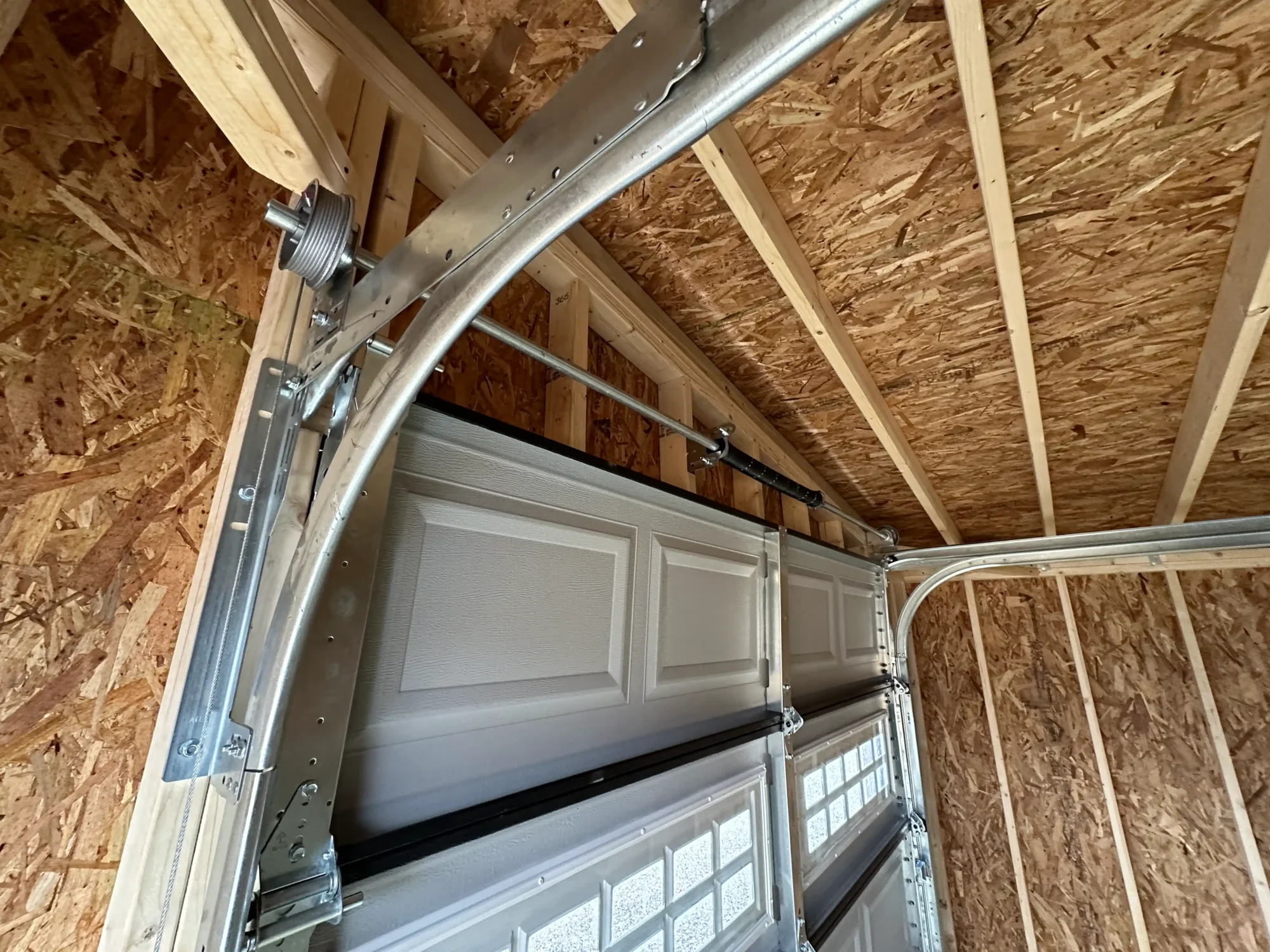
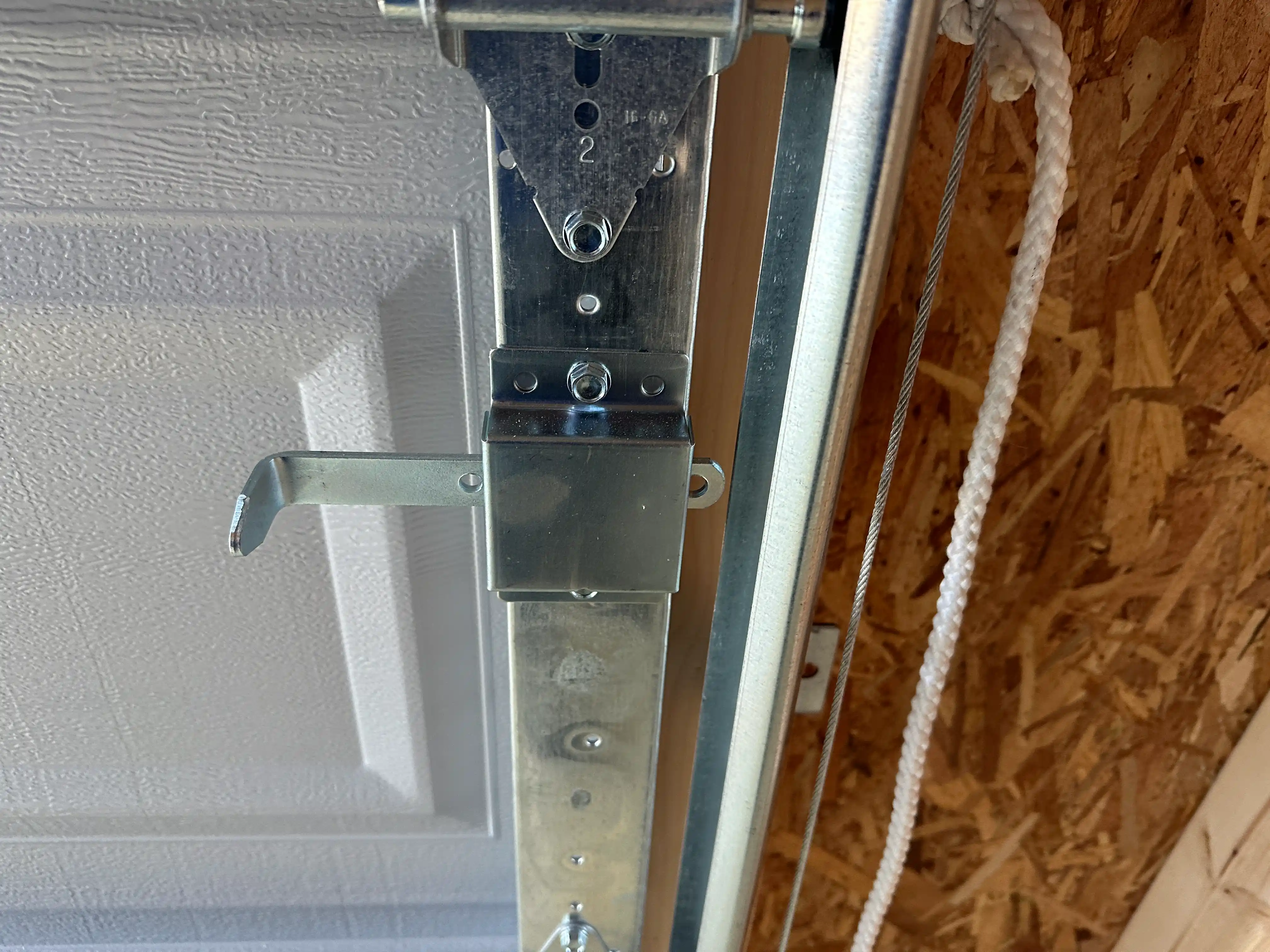
Inspect the photoelectric safety sensors near the bottom of the garage door tracks as part of the same check. Their path should remain clear and their indicator lights should show normal alignment. Do not bypass the safety sensors to make a remote close a door that repeatedly reverses. The sensors, opener, tracks, rollers, springs, and cables all work together as one system, but remote programming does not repair mechanical problems. If the door is difficult to lift manually, appears unbalanced, or has damaged springs or cables, stop operating it automatically. Components under high tension can be dangerous and should be inspected or repaired by a qualified garage door professional.
Keep Your Liftmaster Garage Setup Reliable
Knowing how to program Liftmaster garage door opener controls can save time whenever you add a remote, replace an old keypad, or update household access. The basic process usually involves identifying compatible equipment, finding the Learn button, placing the opener in programming mode, connecting the remote, and testing the complete system. Avoid holding the Learn button unless you intentionally want to erase existing devices. Recording the model numbers of your opener and active remotes can also make future replacement and troubleshooting much easier.
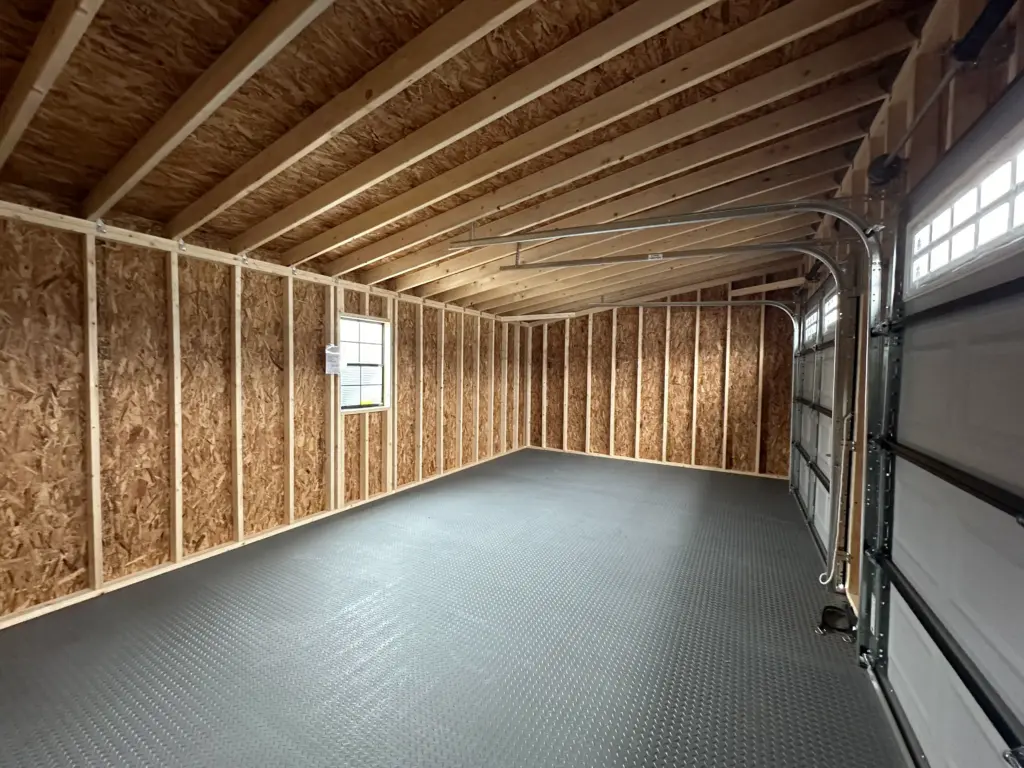
A dependable opener also benefits from a garage designed around convenient vehicle access, appropriate overhead-door clearance, secure framing, and reliable electrical service. Homeowners who need more vehicle, equipment, or workshop space can explore in-stock prefab garages from Hartville Outdoor Products. Available buildings include options for single vehicles, larger layouts, storage, hobbies, and workshop use. Planning the garage structure and door system together gives you better control over clearance, storage, lighting, electrical access, and opener placement. A properly planned building creates a stronger foundation for convenient garage access and dependable everyday use.