
How To Program Garage Door Remote
A garage door remote makes entering and leaving your garage fast and convenient, but it only works when it is programmed correctly. Whether you have purchased a replacement remote, added another remote for a family member, or reset your garage door opener, learning how to program garage door remote devices correctly helps restore reliable operation in just a few minutes. Although different manufacturers use slightly different procedures, the basic programming process follows the same principles for most residential garage door systems. Many homeowners assume programming a remote requires professional service, but that is rarely the case. Most modern garage door openers include a built-in programming button that allows new remotes to be paired without specialized tools. Before beginning, it helps to identify the garage door opener brand and review the owner’s instructions, as button locations and programming sequences vary between manufacturers.
Identify Your Garage Door Opener
The first step is identifying the make and model of your garage door opener. Manufacturers such as LiftMaster, Chamberlain, Genie, Craftsman, and others each use slightly different programming methods. The opener housing usually includes a label that lists the model number and important operating information. Knowing the opener model helps ensure you follow the correct programming procedure. It also makes it easier to purchase compatible replacement remotes if the original remote has been lost or damaged. Taking a moment to verify the opener information can save considerable time during setup.
Locate The Learn Button On The Opener
Most modern garage door openers include a Learn button that places the opener into programming mode. Depending on the manufacturer, this button may be located beneath the light cover, behind a small access panel, or on the rear of the motor housing. It is often identified by a colored button accompanied by an indicator light. Once you locate the Learn button, avoid pressing it until you are ready to begin programming. Some openers remain in programming mode for only a short period, making it helpful to have the remote ready before activating the system.
Check The Remote Before Programming
Before assuming the programming process is responsible for connection problems, inspect the remote itself. Replace the battery if it has been in use for an extended period, and confirm the battery contacts are clean and free from corrosion. A weak battery can prevent the remote from transmitting a strong signal even when it has been programmed correctly. Also inspect the buttons for physical damage. Cracked housings, worn switches, or signs of moisture inside the remote may indicate that replacement is necessary rather than reprogramming. A quick inspection often eliminates unnecessary troubleshooting later.
Prepare The Garage Door Before Programming
For the safest programming experience, close the garage door completely before beginning. A closed door prevents unexpected movement while allowing you to verify successful programming once the remote has been paired. Make sure the area beneath the garage door remains clear throughout the process. If the garage door has recently experienced sensor or opener problems, correct those issues before attempting to program a new remote. Programming will not resolve mechanical or electrical faults that prevent the opener from operating normally.
Programming The Remote To The Opener
After placing the opener into programming mode by pressing the Learn button, press the desired button on the garage door remote according to the manufacturer’s instructions. Most openers confirm successful programming by flashing the garage lights, clicking, or illuminating an indicator light. Once this confirmation appears, the opener has stored the remote’s signal. Some garage door openers allow multiple remotes to be programmed using the same procedure. This makes it easy to add additional remotes for family members without replacing the existing ones. If several remotes will be used, program each one before leaving programming mode whenever possible.
Test The Remote Immediately
Once programming has been completed, step a safe distance away and test the remote several times. Confirm that the garage door opens and closes smoothly while responding consistently to every button press. Reliable operation after repeated testing usually indicates that the programming process was successful. If the opener does not respond, repeat the programming sequence carefully. Double-check the battery, verify compatibility between the remote and the opener, and confirm that the Learn button was pressed correctly. Small mistakes during setup are often easy to correct.
Store Extra Remotes Safely
Many households keep additional garage door remotes for convenience, but proper storage is just as important as successful programming. Avoid leaving spare remotes inside unlocked vehicles or in locations that are easily accessible from outside the home. Treat garage door remotes with the same level of security as house keys because they provide direct access to your property. Organizing remotes and garage accessories also helps reduce everyday clutter. A dedicated location inside the garage or home keeps everything easy to find while preventing accidental loss or damage.
Keep Your Garage Organized And Functional
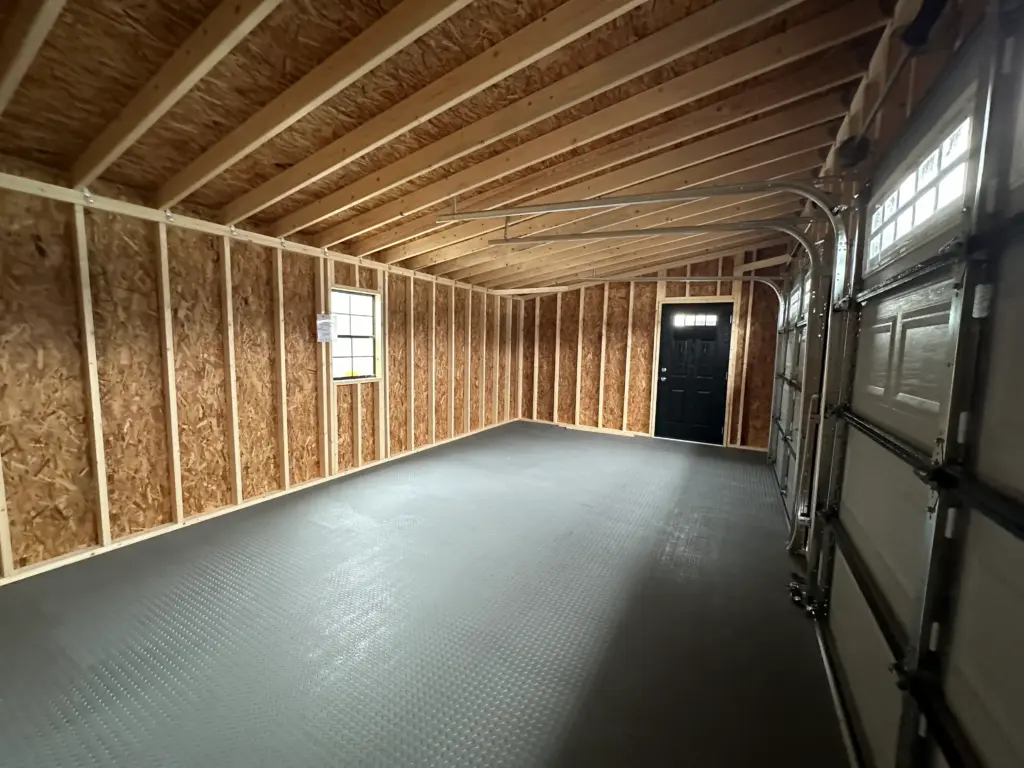
A well-organized garage makes routine maintenance, remote programming, and garage door inspections much easier. Removing bulky lawn equipment, seasonal decorations, and oversized storage containers creates better access to the opener, wall controls, and safety sensors while improving the overall functionality of the space. Many homeowners create additional storage by adding a separate building for outdoor equipment. Structures such as the Garage Buildings, along with the in-stock buildings available from Hartville Outdoor Products, provide secure storage that helps keep the garage clean, organized, and ready for everyday use.
Troubleshooting A Remote That Will Not Program
If the garage door remote does not respond after the programming process, the problem is not always the remote itself. Start by confirming that the battery is fully charged and installed correctly. Next, verify that the remote is compatible with your garage door opener. Even remotes from the same manufacturer may not work with every opener model because different generations often use different communication technologies. If compatibility is confirmed, repeat the programming sequence from the beginning. Most garage door openers remain in Learn mode for only a short period after the Learn button is pressed. Waiting too long before pressing the remote button can cause the opener to exit programming mode before the new signal is stored.
How To Program Multiple Garage Door Remotes
Many households require more than one garage door remote. Fortunately, most modern garage door openers are designed to store multiple remote codes, allowing every family member to have convenient access without affecting remotes that have already been programmed. Each additional remote is programmed individually using the same Learn button procedure. If the opener reaches its memory capacity, older remotes may need to be removed before new ones can be added. Refer to the manufacturer’s instructions for the specific memory limits of your garage door opener. Keeping track of active remotes also improves security by ensuring only authorized devices operate the garage door.
Erase Lost Or Stolen Remote Codes
If a garage door remote has been lost or stolen, clearing the opener’s memory is one of the best ways to protect your property. Most garage door openers allow homeowners to erase all stored remote codes by holding the Learn button for several seconds. After the memory has been cleared, each remaining remote can be programmed again individually. Although reprogramming every remote requires a few extra minutes, it prevents lost remotes from continuing to operate the garage door. This simple security measure provides valuable peace of mind whenever a remote cannot be recovered.
Keep The Garage Door Opener Updated
Older garage door openers often use fixed-code technology that remains more vulnerable than modern rolling-code systems. Newer openers automatically generate a different access code every time the remote is used, making unauthorized signal copying significantly more difficult. If your opener is several decades old, upgrading to a newer model may improve both convenience and security. Even when the opener functions properly, periodic inspections help identify worn components before they affect daily operation. Reliable programming depends on a garage door opener that remains in good mechanical and electrical condition.
Common Programming Mistakes To Avoid
Many programming problems result from simple oversights rather than equipment failure. Pressing the wrong button on a multi-button remote, releasing the Learn button too quickly, or attempting to program the remote while standing too far from the opener can all interrupt the process. Reading the manufacturer’s instructions before beginning helps eliminate many of these common mistakes. Another frequent mistake is assuming every universal remote works with every garage door opener. While many universal models support multiple brands, compatibility still depends on the specific opener model and communication technology being used.
Routine Maintenance Supports Reliable Operation
Programming a remote is only one part of maintaining a dependable garage door system. Regularly inspecting rollers, hinges, springs, safety sensors, and weather seals helps ensure the opener operates under normal conditions after programming is complete. A properly maintained garage door places less strain on the opener while improving long-term reliability. Testing the remote periodically also helps identify weak batteries before they fail. Replacing batteries during routine maintenance reduces the chance of unexpected problems when you need the garage door most.
An Organized Garage Makes Maintenance Easier
Keeping the garage clean and organized provides easier access to the opener, wall controls, and safety sensors whenever programming or maintenance becomes necessary. Removing bulky lawn equipment, storage bins, and seasonal decorations from crowded areas around the garage door creates a safer and more efficient workspace. Many homeowners choose to move outdoor equipment into a dedicated storage building, leaving the garage available for vehicles and routine maintenance. Better organization also reduces accidental damage to garage door components during everyday use.
Learn More About Garage Door Openers
Homeowners interested in understanding garage door opener technology, maintenance, and safety features can explore educational resources provided by the Door & Access Systems Manufacturers Association (DASMA), which offers practical guidance for residential garage door systems.
Conclusion
Learning how to program garage door remote devices is a simple task that improves convenience while maintaining secure access to your garage. By identifying the correct opener model, following the proper programming sequence, testing the remote carefully, and keeping the garage door system well maintained, homeowners can enjoy dependable operation for years to come. If you’re also looking to create a cleaner, more organized garage, explore the in-stock storage buildings available from Hartville Outdoor Products and make everyday garage maintenance even easier.