
A garage door opener adds convenience to everyday life, but that convenience quickly disappears when the remote stops communicating with the opener. Knowing how to program a garage door opener can save time when you replace a remote, install a new opener, change batteries, or add another driver to your household. Most modern systems follow a similar pairing process, although exact steps can vary by brand, model, and the type of wall control installed inside the garage.
Before programming anything, identify the opener manufacturer and locate the model number. You should also determine whether the system uses a Learn, Program, or Smart button. Many openers place this button near the antenna wire or light cover on the motor unit. A few newer systems allow programming through a wall control or mobile application. Understanding which system you have makes the process easier and helps prevent accidental resets that could remove other remotes from the opener’s memory.
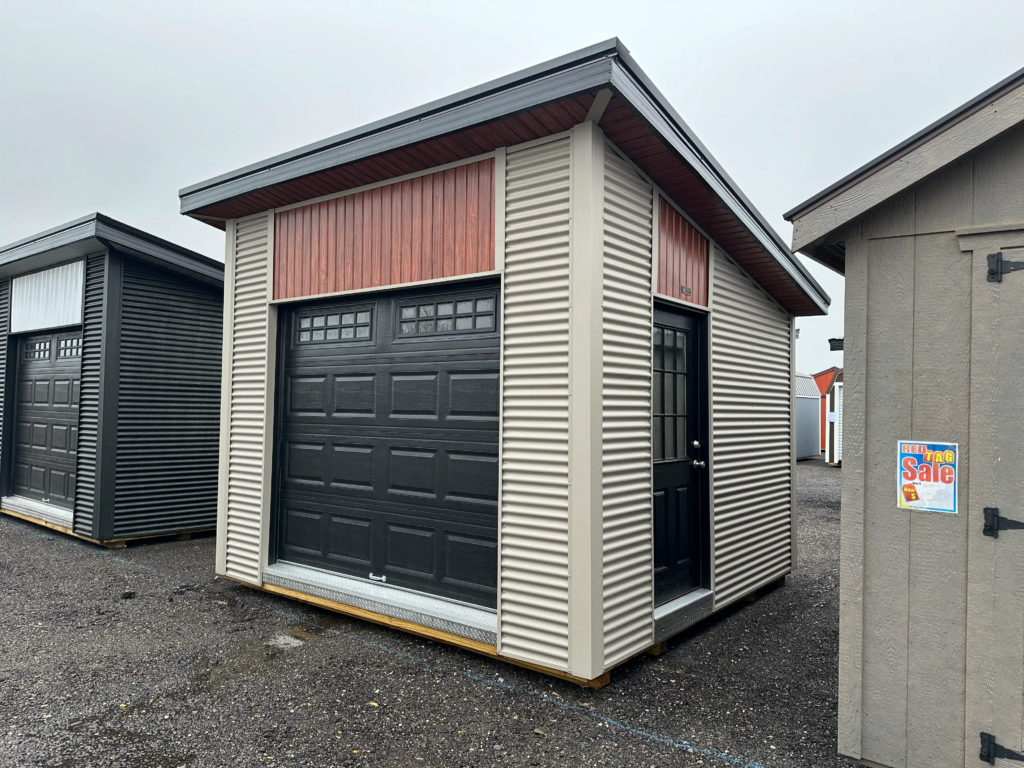
How To Program A Garage Door Opener Remote
The most common programming method uses the Learn button located on the garage door opener motor. Start by making sure the garage door area is clear of vehicles, people, pets, and stored items. Place a stable ladder beneath the motor unit if necessary. Remove or open the light cover and locate the Learn or Program button. Depending on the manufacturer, the button may be yellow, purple, red, orange, green, or another color. Do not hold the button down unless the manufacturer’s instructions specifically tell you to do so because holding it too long can erase existing remote controls.
Press and release the Learn button. An indicator light usually turns on and remains active for a short programming window. During that period, press and hold the button on the handheld remote that you want to use. The opener may confirm successful programming by flashing its lights, clicking, or changing the Learn indicator. Release the remote button and test it from inside the garage first. If the door responds correctly, move outside and test the remote again from a normal operating distance. Homeowners using Chamberlain or LiftMaster equipment can also check the manufacturer’s official garage door opener programming guides for model-specific instructions.
Find The Learn Button Before Programming
Locating the correct programming control is often the most confusing part of the process. On ceiling-mounted garage door openers, the Learn button is usually located on the rear or side of the motor housing. You may need to remove a plastic light lens to see it. Look near the hanging antenna wire because manufacturers often place the programming controls in the same area. Older systems may use small DIP switches instead of a Learn button. These switches need to match the pattern inside the remote rather than being programmed electronically.
Newer wall-mounted controls may also contain a Learn button or digital programming menu. Some smart openers allow users to add accessories through a mobile app instead of climbing to the motor unit. Always check the model label before following instructions from another opener because even equipment from the same manufacturer can use different procedures. The Learn button color can also indicate the technology generation and compatible remote controls. If you are improving the entire garage rather than only replacing a remote, the Hartville Outdoor Products Garage Buying Guide can help you consider garage size, doors, electrical features, storage, and other building options.
Program The Remote Without Erasing Existing Controls
One of the most important details during programming is understanding the difference between pressing and holding the Learn button. A quick press normally places the opener into pairing mode. Holding the same button for several seconds may clear the opener’s memory. When the memory is erased, previously connected remotes and wireless keypads may stop operating the door. This feature is useful when a remote has been lost or when a homeowner wants to remove access from previous users, but it is unnecessary when simply adding another remote.
After entering pairing mode, stay within the manufacturer’s programming time limit. Many systems give the user roughly half a minute to press the desired remote button. If the pairing period expires, press and release the Learn button again and repeat the process. When adding multiple remotes, program and test them individually. Confirm that older remotes still operate before moving to the next device. This simple check prevents the frustrating situation where a newly programmed remote works but another family member discovers later that their remote no longer does. Keeping a list of paired devices can also help homeowners manage garage access over time.
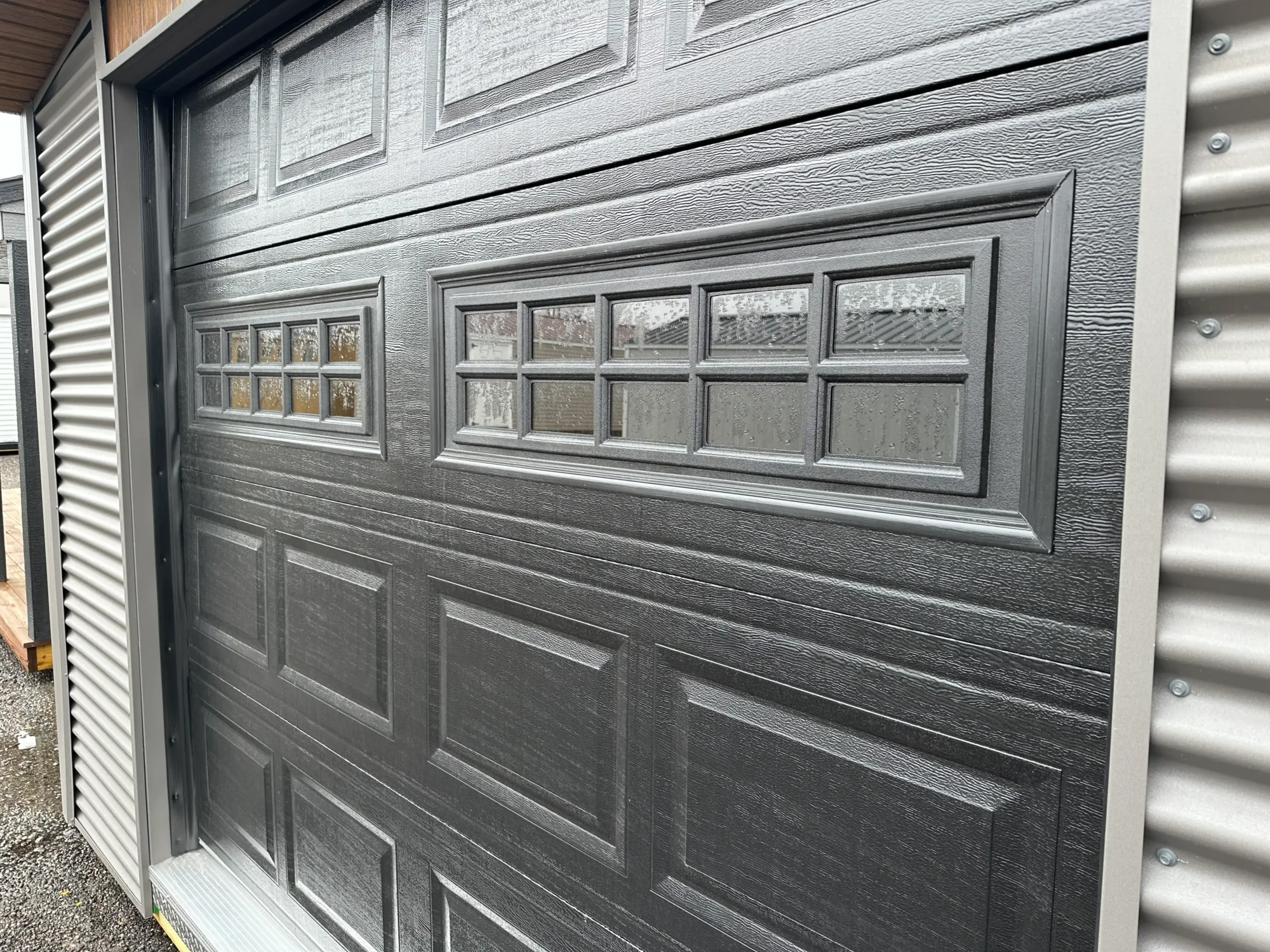
How To Program A Garage Door Opener Keypad
Wireless keypads work differently from handheld remotes because they require both pairing and the creation of a personal identification number. Start by selecting a PIN that household members can remember without choosing something obvious such as 1234. Follow the keypad manufacturer’s instructions to enter programming mode. In many systems, you then press and release the Learn button on the motor unit before entering the new PIN on the keypad and pressing the Enter or Program button. The opener lights may blink or click when the keypad has successfully connected.
Test the keypad while the garage door remains in sight. Enter the PIN, press the required confirmation button, and make sure the door responds normally. If the keypad does not work, replace the batteries before repeating the entire programming process. Keypads mounted outdoors face temperature changes, moisture, dirt, and battery wear that can create problems even when the opener itself works correctly. Once programming is complete, avoid sharing the permanent code widely. Some smart garage systems support temporary or guest access, which can be better for contractors, visitors, or deliveries. Regularly changing the PIN also reduces the chance that an old code continues providing access after it is no longer needed.
What To Do When The Garage Door Remote Will Not Program
If the remote refuses to connect, start with the simplest possible causes. Replace the remote battery, confirm that the battery is installed in the correct direction, and move closer to the opener. Check the model numbers of both devices to verify compatibility. A remote that looks nearly identical to the original may still use a different radio frequency or security system. Universal remotes can also require specific button sequences based on the opener manufacturer. If the opener does not react at all when the Learn button is pressed, inspect the opener’s power supply and confirm that the wall control still operates the door.
Radio interference can also reduce performance after successful programming. Certain electrical devices, poorly shielded electronics, and some replacement LED bulbs may affect garage door opener signals. Remove recently added electrical items temporarily and test the remote again. If the opener works from only a few feet away, the issue may involve interference, an antenna problem, or a weak remote battery rather than incorrect programming. Inspect the opener’s antenna wire and make sure it has not been cut or tucked inside the housing. When troubleshooting does not solve the problem, consult the manufacturer’s instructions or have a qualified garage door technician inspect the equipment.
Test The Safety System After Programming
Programming a remote should always be followed by a complete operating test. Stand where you can clearly see the garage door and activate the opener. Watch the door travel through a full opening and closing cycle. It should move smoothly without unexpected hesitation, unusual noises, or sudden reversal. A newly programmed remote does not change the mechanical condition of the garage door, but using the system again may reveal problems that were already developing. Avoid repeatedly operating a door that jerks, binds, or appears unbalanced because opener motors are not designed to compensate for major mechanical problems.
Check the photoelectric safety sensors near the bottom of the tracks as well. Their indicator lights should normally remain steady when properly aligned. Never defeat, bypass, or permanently disable these safety devices simply to make the opener close the door. Also test the automatic reversal feature according to the opener manufacturer’s instructions. If the door does not reverse properly when an obstruction is detected, stop using automatic closing until the system has been inspected and corrected. Reliable programming is only one part of safe garage operation. The door, springs, tracks, rollers, opener, controls, and safety equipment all need to work together correctly.
Maintain Your Garage Door Opener After Programming
Once the opener and remote are communicating correctly, a small amount of routine maintenance can reduce future problems. Keep remote controls dry and replace weak batteries before they fail completely. Check the garage door opener mounting hardware periodically for looseness caused by vibration. Inspect the door tracks, rollers, hinges, and weather seals for obvious wear. Listen to the opener while the door travels because changes in sound can provide an early warning of developing mechanical or electrical issues. Follow the garage door and opener manufacturers’ lubrication recommendations rather than applying lubricant randomly to every moving component.
The condition of the garage itself also affects long-term door performance. Moisture, movement, poor framing, and inadequate electrical installations can create problems around the door opening and opener mounting points. A properly planned garage provides solid structural support, sufficient interior clearance, suitable electrical access, and enough space around the door hardware for inspection and service. Homeowners considering a new structure can explore in-stock prefab garages from Hartville Outdoor Products. These buildings provide options for vehicle storage, workshops, equipment storage, and other uses while allowing buyers to consider garage doors, layouts, building sizes, and additional features before installation.
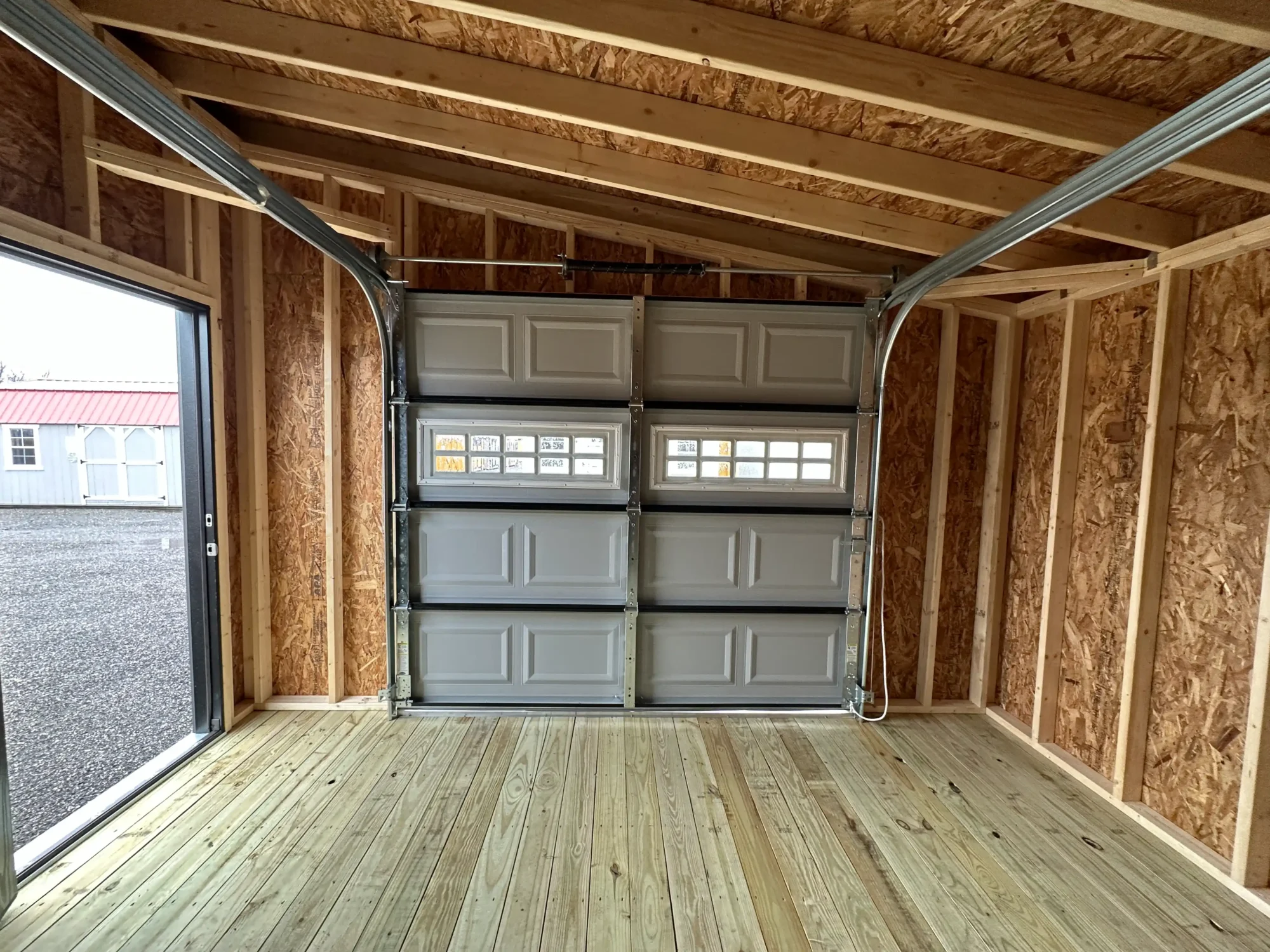
Choose A Garage That Supports Everyday Convenience
Knowing how to program a garage door opener is useful whether you are setting up a new garage, replacing a lost remote, adding another vehicle, or restoring access after changing equipment. In most cases, successful programming comes down to identifying the correct opener and remote, locating the Learn button, entering programming mode, pairing the device within the allowed time, and testing the door afterward. Taking a few extra minutes to verify remote compatibility and check the safety system can prevent unnecessary troubleshooting and help keep everyday garage access dependable.
A reliable opener works best when it is installed as part of a well-designed garage. If your current garage no longer provides enough parking, storage, workshop space, or structural flexibility, Hartville Outdoor Products offers a wide selection of prefab garage buildings for different property needs. Buyers can explore single-car garages, larger structures, workshop garages, and two-story options with features suited to storage and daily use. Choosing the right building now can provide space not only for vehicles but also for tools, equipment, hobbies, and future upgrades, including modern garage door opener systems.